Arrays in Programming: Indexes, Loops, Search, Max and Min: Programming Fundamentals (10)
Learn one dimensional arrays: declare them with Dimension, load and traverse them with loops, search a value, and find the sum, average, maximum and minimum.
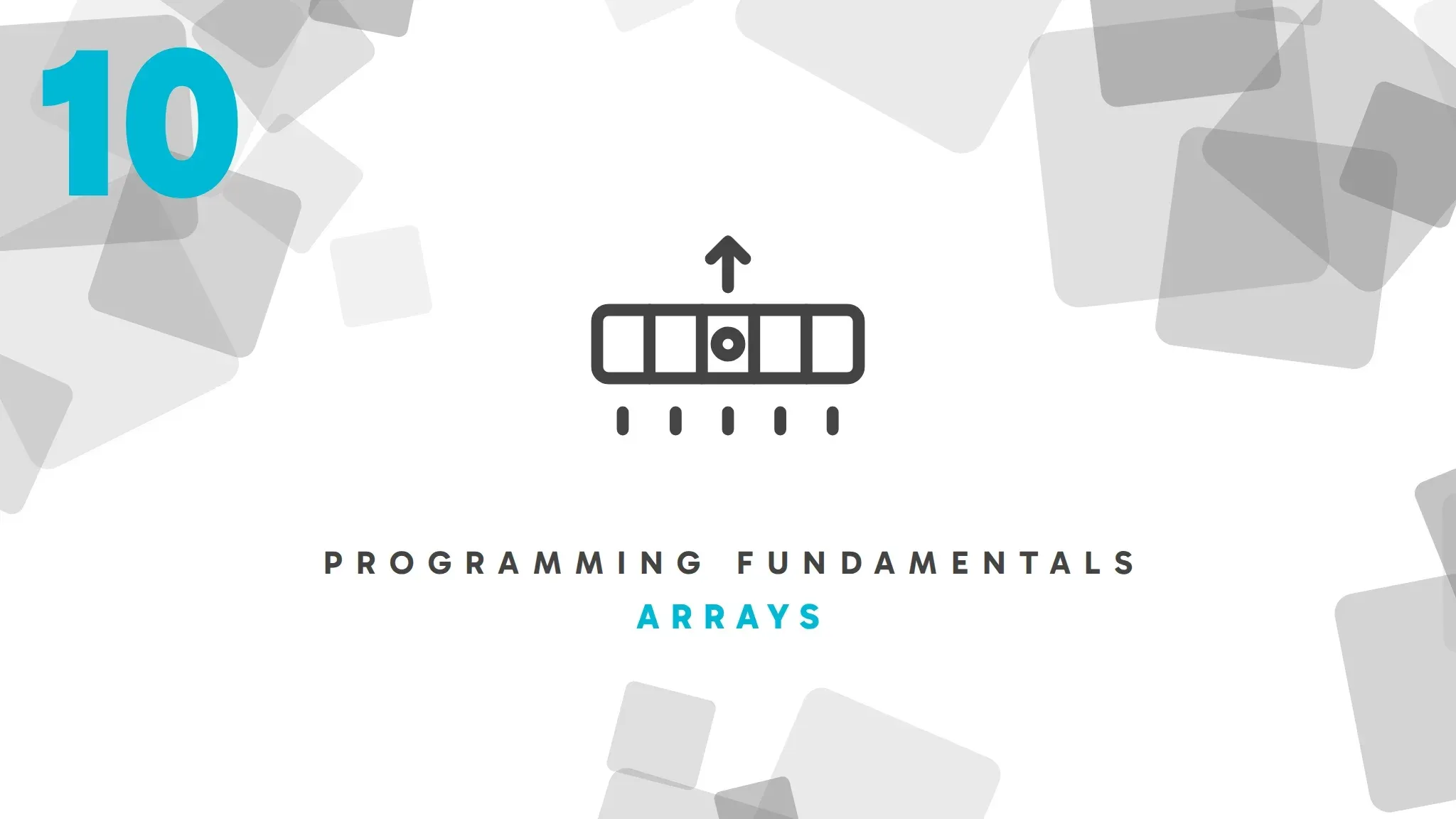
An array is one variable that holds many values of the same type, in numbered boxes. Instead of ten variables for ten grades, you use one array with ten boxes, and you pick a box by its number. In this lesson you declare arrays, fill them with a loop, walk through them, search for a value, and calculate the sum, the average, the largest value and the smallest value.
In this lesson you will:
- Declare an array with
Dimensionand pick one box with an index, likea[3]. - Load an array from user input with a
Forloop. - Traverse an array forward and backward.
- Search an array for a value.
- Calculate the sum, average, maximum and minimum of an array.
It takes about 35 minutes. You need a browser. Every example runs in the page.
Why one name for many values
Say you want the average of five grades. With what you know so far, you need five variables: grade1, grade2, up to grade5. Now make it fifty grades. You would write fifty variables and fifty Read lines. If the number of grades changes, you rewrite the program.
An array solves this. All the grades live under one name, and a number picks each one. Because the number can be a variable, a loop can visit every box with three lines of code. Fifty grades take the same code as five.
Arrays are also where many real bugs live. Almost every program an AI agent writes for you has a loop over an array. A generated loop that starts at the wrong index, or stops one box too early, still runs. It gives a wrong answer that looks right. To catch it, you need to know exactly which boxes exist and which ones hold data. That is what this lesson trains.
How an array works
The course defines an array as a finite, static and ordered set of elements of the same type. Each word matters:
- Finite. It has a fixed number of boxes.
- Static. That number is set before the program runs and never changes.
- Ordered. Every box has a position, so there is a first, a second and a last.
- Same type. All boxes hold
Integervalues, or all holdStringvalues, never a mix.
You declare an array in two lines. Define a As Integer; gives the type of the boxes, and Dimension a[10]; gives the number of boxes. StepCode also accepts a one line form, Define a As Integer[10];, which you may find in other code. This series always uses Define with Dimension, the form of PSeInt and of the course.
An index is the number of a box. In StepCode, indexes start at 1, as they do for strings, so a has boxes a[1] to a[10]. You read and write a box like a normal variable: a[3] <- 15; stores 15 in box 3, and Write a[3]; shows it.
Most programs reserve more boxes than they need, like 10, and then ask the user how many they will use. That number is usually called n. The boxes after n exist, but they have no value yet.
a[3] is 15.
Two operations appear in almost every array program:
- Loading means filling the boxes, usually with a
Forloop and aReadinside. - Traversing means visiting the boxes one by one, from the first position to the last, adding 1 to the index each time.
Build programs with arrays
Each part below is a complete program. Press Run, type the inputs shown, and compare your output.
1. Load five numbers and print them backward
This is the first array activity from the course slides. The program loads five numbers, then traverses the array from the last box to the first. Step -1 makes the loop count down.
Type 4, 8, 15, 16 and 23.
You should see:
Enter number 1:
Enter number 2:
Enter number 3:
Enter number 4:
Enter number 5:
In reverse order:
23
16
15
8
4
The program keeps all five numbers until the end. With single variables and no array, you could not print them backward without five separate names.
2. Sum and average a list of grades
Now the user decides how many values to type, up to 10. The program reads n first, loads n boxes, and then traverses the same n boxes to add them up. The variable total is an accumulator, the pattern from Loops. It starts at 0 and grows by one value in each iteration.
Type 4, then 15, 18, 12 and 20.
You should see:
How many grades? (max 10)
grade[1]:
grade[2]:
grade[3]:
grade[4]:
Sum: 65
Average: 16.25
Both loops stop at n, not at 10. The boxes from 5 to 10 were never filled, so the program never touches them.
3. Find the largest and smallest value
This exercise comes from the course practice guide. To find the maximum, the program assumes the first box is the largest so far. Then it traverses the rest. Every time it finds a larger value, it keeps that one instead. The minimum works the same way with <.
Type 4, then 1, 2, 3 and 2.
You should see:
Enter n (max 10):
a[1]:
a[2]:
a[3]:
a[4]:
The minimum is: 1
The maximum is: 3The loop ends. The minimum is 1 and the maximum is 3.
Why start with a[1] and not with 0? If every value were negative, a maximum that starts at 0 would stay at 0, and 0 is not even in the array. Starting with a real value from the array is always safe. In Procedures and functions you turn the sum, the maximum and the minimum into functions you can reuse.
4. Search for a word
A sequential search checks each box in order until it finds the value or reaches the end. You saw it with strings in the previous lesson. Here the program searches an array of words, from the course practice guide. The variable position starts at 0, which means “not found yet”. The loop stops as soon as it finds a match.
Type 3, then dog, cat and helicopter, and search for cat.
You should see:
Enter n (max 10):
a[1]:
a[2]:
a[3]:
Search:
cat is at position 2
Run it again and search for plane. You should see plane is not in the array. A While fits better than a For here, because the loop has two reasons to stop: the end of the data, or a match.
5. Multiply weights by inputs, like a neural network
The course guide had a fun one. An artificial neuron, the basic piece of a neural network, multiplies an array of weights w by an array of inputs x, box by box, and adds the results. Mathematicians call this the dot product. It is the same accumulator from part 2, with a multiplication inside.
Type 5, then the weights 4, 5, 6, 4, 5, then the inputs 10, 8, 4, 3, 8.
You should see:
Enter n (max 10):
w[1]:
w[2]:
w[3]:
w[4]:
w[5]:
x[1]:
x[2]:
x[3]:
x[4]:
x[5]:
The result is 156
Check it by hand: 4×10 + 5×8 + 6×4 + 4×3 + 5×8 = 40 + 40 + 24 + 12 + 40 = 156. The models that write code today run this same operation billions of times, on much bigger arrays.
Common mistakes
If you see Index 0 is outside "a": its positions run from 1 to 5., it means a loop started at 0. In StepCode, the first box is a[1]. Start your loops at 1.
If you see Index 11 is outside "a": its positions run from 1 to 10., the user typed an n larger than the array. Dimension a[10] gives exactly ten boxes. Make the array big enough, or check that n is at most 10 before you load it.
If you see "a[4]" has no value yet: give it one before using it., it means a loop went past the boxes you filled. This happens when you load n values but traverse up to 10. Every loop after the loading must stop at n.
If you see An array size has to be a positive whole number known in advance., you wrote something like Dimension a[n];. Arrays are static, so the size must be a fixed number. Reserve the most you need, like Dimension a[10];, and keep the real count in n.
Arrays, lists and strings
People often say “array” and “list” as if they were the same thing. They are not.
| Array | List | |
|---|---|---|
| Size | Fixed before the program runs | Grows and shrinks while it runs |
| Types | All boxes have one type | Can mix types in many languages |
| Insert in the middle | Shift every box after it one place right | One call, like insert |
| Where you see it | Pseudocode, C, Java | Python, JavaScript |
A string is close to an array of characters, but it is its own type with its own tools, like Substring.
Python uses lists by default, and its indexes start at 0. The same sum looks like this:
grades = [15, 18, 12, 20]
total = 0
for i in range(len(grades)):   # i goes 0, 1, 2, 3
    total = total + grades[i]
print(total / len(grades))     # 16.25
When you read array code from any source, ask three questions. Where does the index start? Where does the loop stop? Which boxes really hold data?
Practice exercises
These exercises come from the course practice guide for arrays. Try each one in an empty editor first. Then compare with the solution.
Remove the even numbers
Write a program that removes the even numbers from an array of up to 10 numbers. To remove a box, shift every box after it one place to the left, and subtract 1 from n.
Inputs 5, then 1, 2, 4, 3, 6 give:
Enter n (max 10):
a[1]:
a[2]:
a[3]:
a[4]:
a[5]:
Without evens: 1 3 n = 2 i = 3
i = 3 is past n = 2, so the loop ends. Without evens: 1 3
Notice that i does not move forward after a removal. The next value has just moved into box i, so the program must check that box again.
Largest jump between neighbors
Write a program that finds the largest difference between two numbers that sit next to each other in the array.
Inputs 5, then 22, 10, 100, 20, 19 give:
Enter n (max 10):
a[1]:
a[2]:
a[3]:
a[4]:
a[5]:
The maximum difference between neighbors is 90The jump from 10 to 100 is 90. The loop stops at n - 1 because a[i + 1] must still be a real box.
Sort with bubble sort
Write a program that sorts up to 10 numbers from largest to smallest with the bubble sort method from the course. Compare each box with the next one, from the first to the next to last. If they are in the wrong order, swap them. After one full pass, the smallest value has “bubbled” to the end, so the next pass checks one box less.
Inputs 4, then 1, 7, 3, 5 give:
Enter n (max 10):
a[1]:
a[2]:
a[3]:
a[4]:
Sorted: 7 5 3 1 Sorted
Sorted: 7 5 3 1
The swap needs a third variable, temp, just like the swap in Variables and data types. If you write a[j] <- a[j + 1]; first, the old value of a[j] is gone. Change < to > in the If to sort from smallest to largest. Bubble sort comes back in Procedures and functions, Files and the final project.
All the editors on this page run on StepCode, the pseudocode language I built for my students at UCAB.
What you learned
- An array is one variable with a fixed number of boxes of the same type.
Definesets the type andDimensionsets the size. - An index picks one box. In StepCode, indexes run from 1 to the size of the array.
- Reserve enough boxes, keep the real count in
n, and make every loop stop atn. - Loading uses a
Forloop withRead. Traversing uses aForloop that visits every box. - Sum, average, maximum, minimum and search are all one traversal with a small job inside.
Next steps
An array is a row of boxes. In the next lesson, matrices, you add a second dimension: rows and columns, like a table or a chessboard. You will load and traverse them with two nested loops and work with their diagonals.