My archive was a disaster. Papers everywhere. Certificates from years ago threatening to get lost. Important documents scattered across drawers. December came and I needed to digitize everything for potential immigration paperwork. That spark turned into Scan Documents.
I had tried other scanning apps. They all felt designed for single-page quick scans. Need to digitize a receipt? They’re great. Multi-page contract? Prepare for pain. Take a photo, manually adjust corners, select colors, export, convert to PDF, merge with another tool. Repeat for every page.
I was frustrated enough to build my own solution.
Core Features
The goals were clear from my own pain points:
- Bulk Upload: Drop hundreds of pages at once. Automatic edge detection and color adjustment.
- Versatile Input: Accept photos from camera, existing images, or PDF files.
- Page Organization: Drag and drop to reorder. Delete bad scans. Insert new pages anywhere.
- Multiple Exports: PDF, individual images, or eBooks.
- Offline First: No server required. Sensitive documents stay on your device.

Architecture
The app is structured as a monorepo with four main components: a React-based web application hosted on Cloudflare Pages, a Hono backend running on Cloudflare Workers, a public API for developers, and a marketing site.
The entire scanning pipeline runs in the browser. No server-side processing for the core functionality. Your documents never leave your device unless you explicitly sync them.
Browser-Based Image Processing
This is where it gets interesting. The app performs sophisticated image processing entirely in the browser using WebAssembly.
OpenCV.js handles edge detection and perspective correction. When you upload a photo of a document, OpenCV finds the corners and calculates the transform matrix to straighten it.
ONNX Runtime Web runs machine learning models for document detection. The model identifies document boundaries even in challenging conditions - cluttered backgrounds, shadows, curved pages.
@jsquash libraries handle image encoding and decoding. These WebAssembly implementations of JPEG, PNG, and WebP codecs are fast and work consistently across browsers.
PDF Rendering with Pdfium
Reading PDFs in the browser requires a real PDF engine. I use @hyzyla/pdfium, a WebAssembly port of the Chrome PDF renderer. This allows importing existing PDFs, extracting pages as images, and reordering them alongside scanned images.
Web Workers for Performance
Heavy operations run in Web Workers to keep the UI responsive:
- preprocessing worker - Edge detection, perspective transform, color correction
- rendering worker - PDF page rendering
- exporting worker - PDF generation, image compression
Each worker processes tasks from a queue. When you upload 100 pages, they process in parallel without blocking scrolling or drag-and-drop.
Local Storage with Dexie
Memory management was the first major challenge. Loading hundreds of high-resolution images fills up browser memory fast. The solution was the Origin Private File System (OPFS) accessed through Dexie, an IndexedDB wrapper.
Images load from disk on demand. The visible pages stay in memory; everything else lives in IndexedDB. This lets you process 500-page documents without crashing the browser.
Page Ordering with LexoRank
Drag-and-drop reordering needs efficient position tracking. I use LexoRank, the algorithm Jira uses for issue ordering. LexoRank generates sortable strings that can always have a new value inserted between any two existing values. No need to renumber all pages when you move one.
Canvas Rendering with Konva
The page preview uses react-konva for canvas rendering. This handles zooming, panning, and touch gestures smoothly. Users can manually adjust crop areas if the automatic detection missed something.
The API
Beyond the consumer app, I built a REST API for developers. The same scanning, edge detection, and PDF generation available via HTTP.
curl -X POST https://api.scan-documents.com/v1/files/upload \
  -H "Authorization: Bearer YOUR_API_KEY" \
  -F "file=@document.jpg"
The SDK includes an MCP server for AI assistants. Tools like Cursor can use it to explore the API and generate integration code.
Safari Compatibility
OPFS behaves differently across browsers. Safari had quirks that broke the initial implementation. The API exists but edge cases around file handles and concurrent access caused issues.
Fixing Safari took longer than expected. Operations that worked on Chrome would silently fail. Eventually I found workarounds that provide consistent behavior across browsers.
The Launch
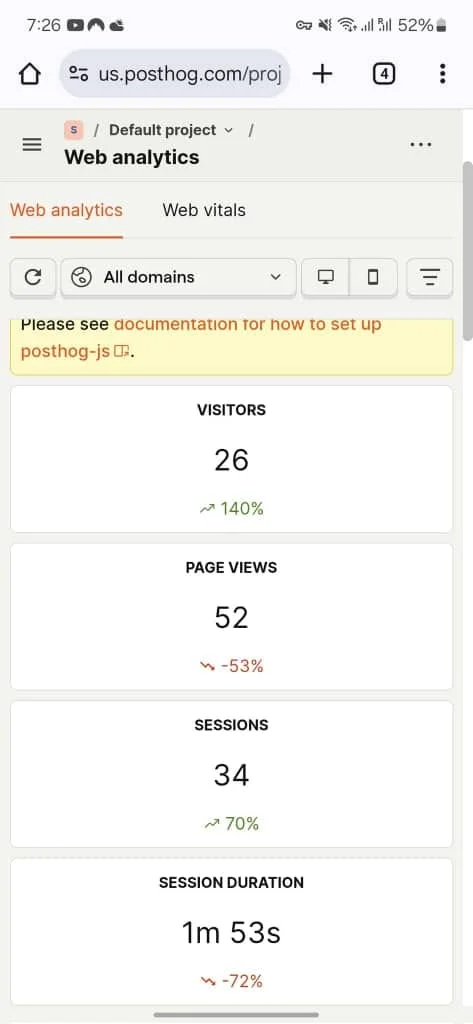
March 10th, 2025 - the app went live. First day brought over 30 unique users from multiple continents. The organic reach surprised me.
What I Learned
Running compute-heavy workloads in the browser is viable. WebAssembly closes the performance gap with native apps. Users get privacy (documents stay local) and convenience (no installation) at the same time.
The Web Worker architecture was essential. Without it, processing would freeze the UI. The queue-based approach scales naturally with the number of pages.
OPFS is underrated. It’s fast, persistent, and private. More web apps should use it instead of sending everything to servers.
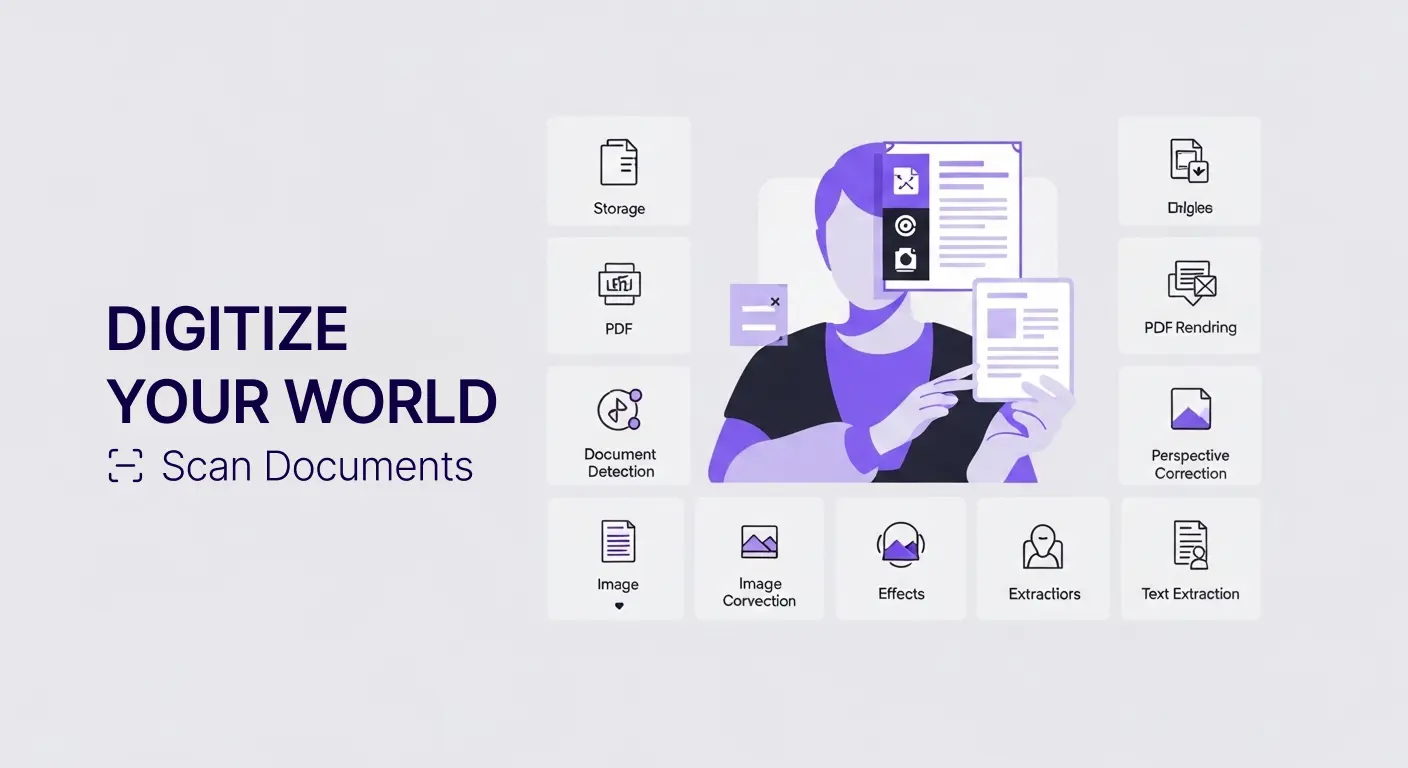
Scan Documents
Scan your images and create readable PDFs with them.
Building Scan Documents solved my personal archiving problem. Seeing others use it for theirs makes the effort worthwhile.