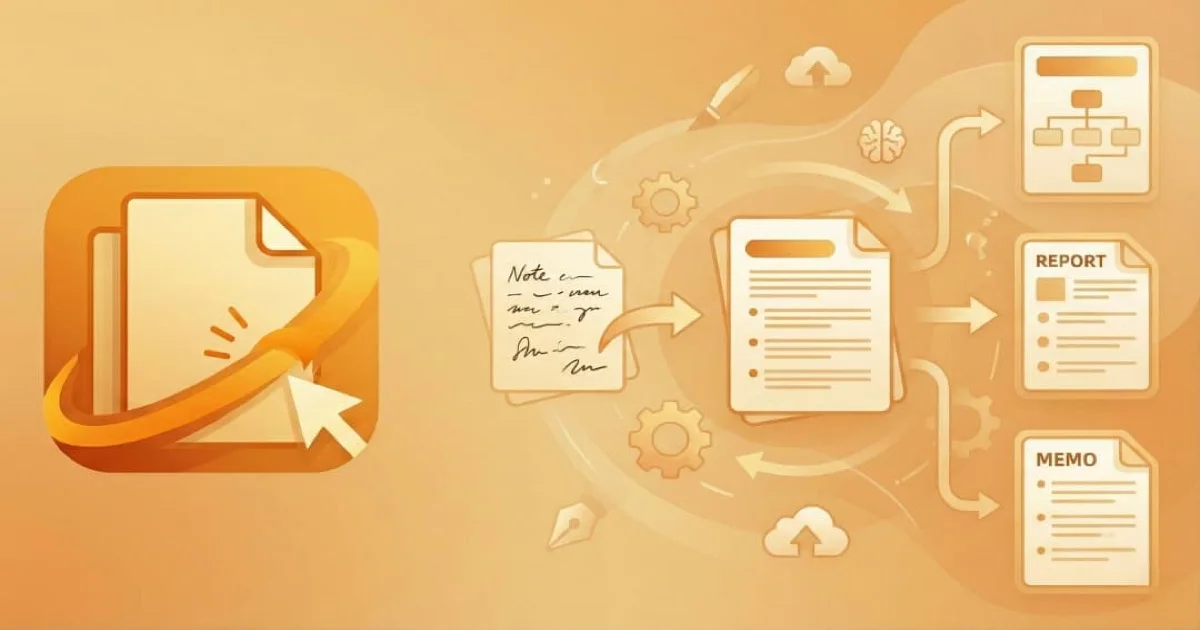
Every teacher knows the drill. Print 30 permission slips, hand them out, wait a week, chase down the five kids who forgot, accept a crumpled form from a backpack, and then file everything in a cabinet nobody opens again. It’s slow, wasteful, and surprisingly expensive when you add up paper, ink, and time.
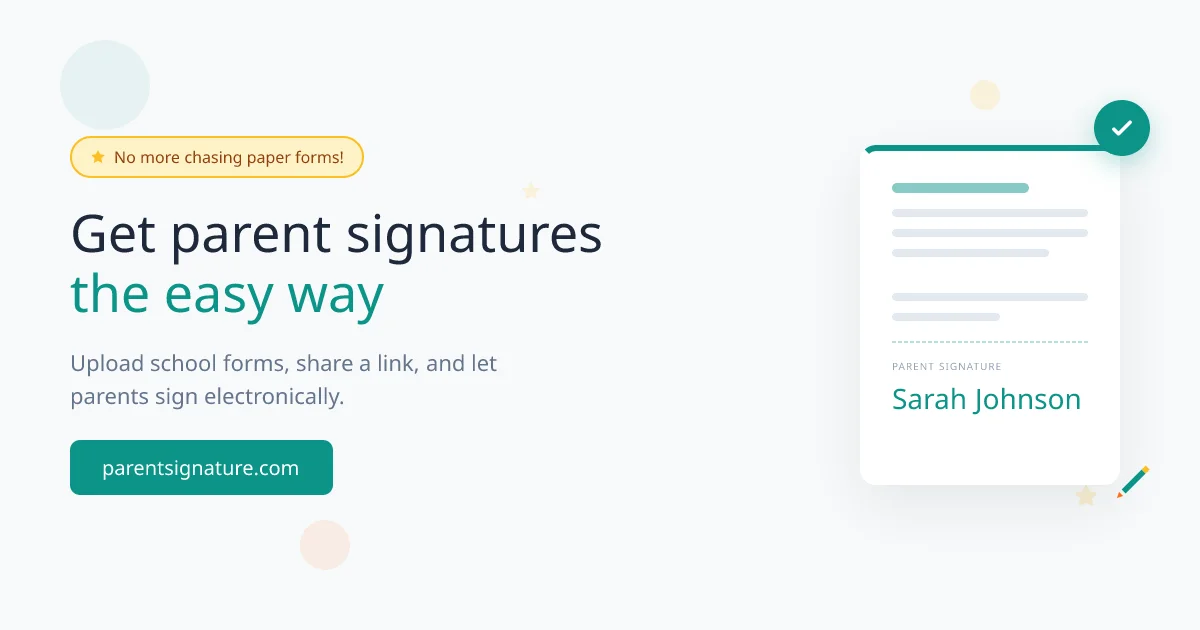
ParentSignature replaces that entire workflow with a link. A teacher uploads a PDF, marks where signatures go, and shares a URL. Parents sign from their phone in under two minutes. Both sides get the signed document by email. No accounts, no apps, no paper.
Why This Exists
Working on SignatureAPI, we kept hearing from teachers. They loved the idea of digital signatures but couldn’t justify enterprise pricing for permission slips. A tool like DocuSign costs $10-40/month and expects both parties to create accounts. That friction kills adoption when you’re dealing with 30 families who just need to sign a field trip form.
ParentSignature is free, permanently. It runs on SignatureAPI’s infrastructure, so the marginal cost per signature is negligible. The value for SignatureAPI comes from brand awareness in the education space: if a school district later needs enterprise signatures for contracts, they already know the name.
How It Works
The flow has two sides.
For teachers: upload any PDF (permission slip, consent form, medical authorization), click on the document to place signature fields, checkboxes, or text inputs, then hit create. The system generates a shareable link that works anywhere: email, text message, Google Classroom, Remind.
For parents: open the link, enter your name and email, sign on screen, done. The signed PDF arrives in both the teacher’s and parent’s inbox immediately. No login, no download, no learning curve.
Documents auto-delete after 30 days. The system stores only what it needs to facilitate signing, then cleans up. This isn’t a document management platform. It’s a transmission tool.
Technical Decisions
Next.js on Cloudflare
The app runs on Next.js 16 deployed to Cloudflare Pages through OpenNext. This combination gives server-side rendering and API routes while keeping costs near zero at the edge. Cloudflare’s global network means a parent in rural Alaska gets the same load time as one in New York.
For the database, Cloudflare D1 (SQLite at the edge) stores document templates. The data model is simple: a template has an ID, the creator’s email, the envelope structure as JSON, and a timestamp. There’s no need for PostgreSQL here. D1 handles this workload with zero operational overhead.
PDF Handling
React PDF renders documents in the browser for the template editor. Teachers see a faithful preview of their form and can click to place fields directly on the page. The placement coordinates get stored as part of the template JSON.
When a parent opens the signing link, the actual signature ceremony happens through SignatureAPI. This keeps cryptographic signing, legal compliance, and audit trails out of the ParentSignature codebase entirely. ParentSignature handles the user experience; SignatureAPI handles the hard parts.
Email Delivery
Resend handles transactional emails. The system sends signed documents to both parties immediately after completion. Email templates are compiled from Handlebars at build time, which keeps the runtime simple and fast.
Privacy by Design
FERPA compliance drove several architecture decisions. The system collects only what’s strictly necessary (name, email, signature), encrypts everything in transit and at rest, and auto-deletes after 30 days. There are no analytics trackers, no advertising cookies, no data sharing with third parties. A profanity filter (FakeFilter) screens user input. Sanitize-html prevents injection through form fields.
The R2 bucket stores uploaded PDFs temporarily. Once the signing window closes and emails are sent, documents are purged on a schedule managed by a cron trigger in the Cloudflare Worker.
What Makes It Different
The comparison table is stark. Generic e-signature tools charge money, require accounts on both ends, and target business contracts. Paper forms are free but burn teacher time. ParentSignature sits in an empty niche: purpose-built for schools, free, no accounts needed, FERPA-compliant out of the box.
One design choice captures the philosophy: there is no dashboard. Teachers don’t log in. They upload, configure, share, and receive signed copies by email. The tool does one thing and gets out of the way.
What I Learned
Building a product for a specific audience (teachers) instead of a generic market forced clarity. Every feature request gets filtered through one question: does this help a teacher get a permission slip signed faster? If not, it doesn’t ship.
The OpenNext + Cloudflare stack proved that you can deploy a full Next.js application at the edge with near-zero hosting costs. D1, R2, and Pages handle everything ParentSignature needs without a single traditional server.
ParentSignature
A free tool that lets teachers collect parent signatures on school forms digitally.