Hosting companies have a problem. Their customers need to manage servers, check invoices, open support tickets, and monitor services. But the data lives in different systems. Billing runs on one platform. Server management on another. Support tickets somewhere else.
Daycohost needed a single portal where customers could do everything. No more jumping between tools. No more calling support for basic tasks.
I joined the team to build this unified customer experience.
What the Portal Does
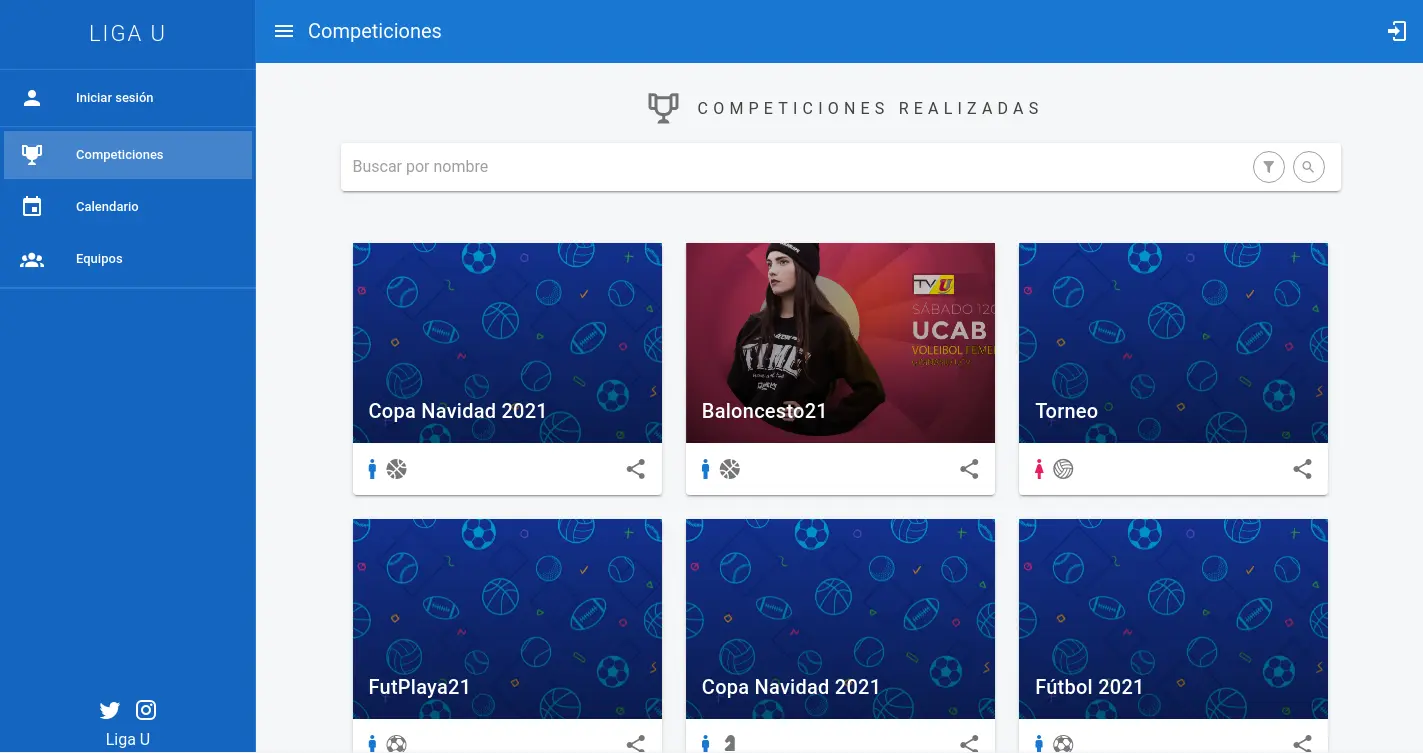
The portal gives customers control over their hosting services. They can view and pay invoices. They can manage their server configurations. They can open and track support tickets.
Behind the scenes, the portal talks to several enterprise systems. It pulls billing data from one source. It fetches server status from another. It syncs support tickets with a third system.
The customer sees one interface. They don’t know about the complexity underneath.
Full-Stack Development
I worked across the entire stack. The frontend uses React with Next.js for server-side rendering. This keeps the initial page load fast. Customers see their data right away.
The backend runs on NestJS. This framework works well with TypeScript. It gave us strong typing from the database to the browser. Fewer bugs slip through when the compiler catches type mismatches.
I built views for each major feature. Invoice listings. Server dashboards. Ticket management screens. Each view needed to handle loading states, errors, and real-time updates.
Connecting the Systems
The hardest part was integration. Daycohost already had enterprise systems in place. The portal needed to work with them, not replace them.
I built adapters for each external system. These adapters speak the language of each system. They translate requests and responses into a common format. The rest of the application doesn’t care which system the data comes from.
Some systems used REST APIs. Others used SOAP. One used a custom protocol. Each adapter hides these details from the main application.
Keeping Data in Sync
Enterprise systems don’t always respond fast. A billing query might take several seconds. Customers can’t wait that long for every page load.
I implemented caching strategies at multiple levels. Recent data stays in memory. Older data lives in a shared cache. The system refreshes data in the background when it gets stale.
This approach keeps the portal fast. Customers see their information instantly. The system stays accurate without constant polling.
Error Handling Across Boundaries
When you connect multiple systems, things break. An external service might be down. A response might come back malformed. Network timeouts happen.
I built robust error handling throughout the integration layer. Each failure mode gets handled appropriately. Some errors trigger retries. Others fall back to cached data. Critical failures notify the operations team.
Customers see friendly messages instead of technical errors. They know when something is wrong without seeing stack traces.
What I Learned
This project taught me about enterprise integration. Connecting systems sounds simple. But real-world systems have quirks. Documentation lies. APIs behave differently than advertised.
I learned to build defensive code. Assume external systems will fail. Plan for it. Make the application resilient.
I also learned the value of abstraction. Good boundaries between systems make changes easier. When Daycohost updated a backend system, we only changed one adapter. The rest of the portal kept working.